
Aspect layer
Turning it on
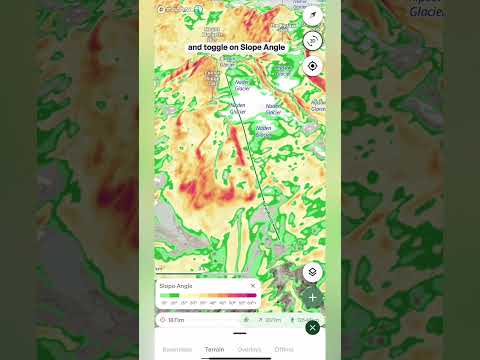
- Open the layers menu Tap the layers button on the map, go to the Terrain tab and tap Slope aspect. To turn it off, tap it again.
Reading the colors
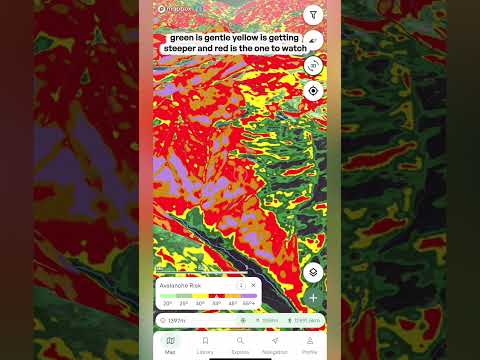
- The compass legend A compass appears in the bottom corner of the map. Each direction has its own color, for example blue means a slope faces north. Match any slope to the compass to see which way it faces.
- Sun and shade In the northern hemisphere, north-facing slopes get the least sun, so the snow often stays colder and drier for longer. South-facing slopes get the most sun and warm up faster, which can have big implications for avalanche safety. The colors blend between directions, so a slope facing between two directions shows a color in between.
Opacity
- Opacity slider The slider is located at the top of the Terrain layers menu. Drag it down to fade the colors so you can see the terrain underneath.
Tip: avalanche forecasts normally tell you which aspects to watch out for. Pair Slope aspect with the Avalanche forecast overlay and you can see exactly where those aspects are on the map. Knowing exactly what aspect you're skiing is an essential tool for finding the best snow on the mountain, and for checking it's safe.