
Flat Areas Layer
Turning it on
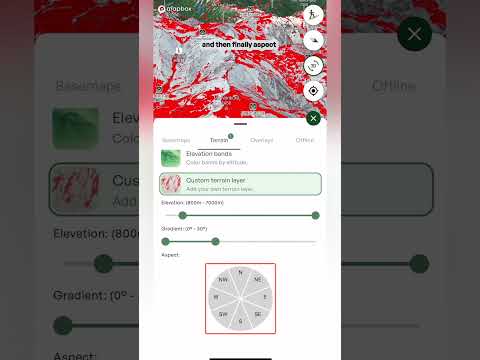
- Open the layers menu Tap the layers button on the map, go to the Terrain tab and tap Flat areas. The description underneath reads "Highlights low-angle terrain." To turn it off, tap it again. A small number on the Terrain tab shows how many terrain layers are switched on.
Reading the map
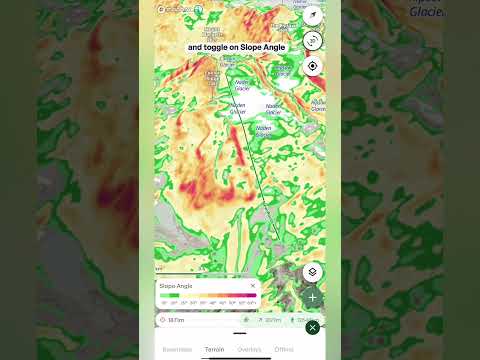
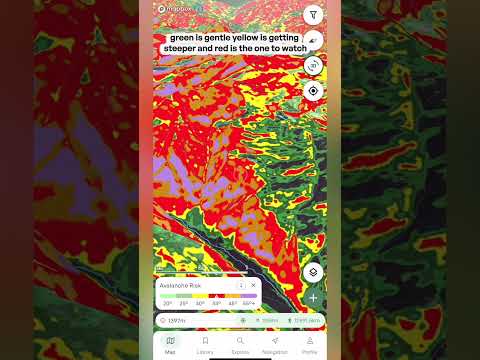
- Bright green Anywhere that's bright green is flat terrain. The rest of the map stays as it was, so you can see exactly where the flat ground is and how it sits in the terrain around it.
What it's good for
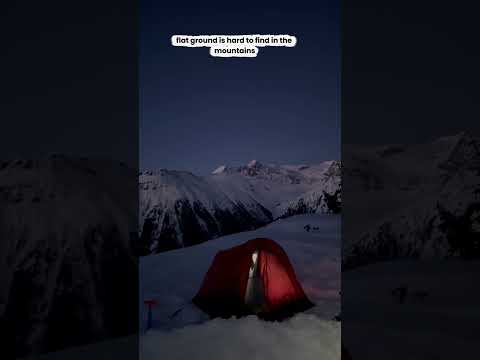
- Camp spots Find somewhere flat enough to pitch a tent, so you don't have to sleep on an angle all night.
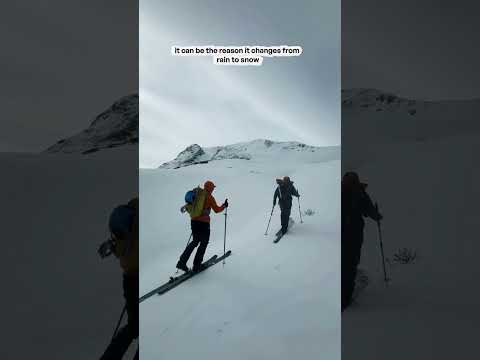
- Breaks and stopping points Find somewhere to swap your skins, have lunch or take a break, and plan your stopping points along the route.
- Plateaus and saddles See where the terrain eases off along a ridge or between peaks, so you know where to expect a break in the climbing.
- Emergencies and bad weather Knowing where the flat ground is can help if you need to be rescued or the weather turns and you want to get off exposed terrain. Low-angle ground can be easier to move across, easier to stop on and a more practical place to stage a rescue, so it's worth knowing your options before you head out.
Important: flat doesn't mean safe. Low-angle terrain can sit below or beside steep slopes, so overhead hazards like avalanche terrain, cornices and rockfall can still be present. Check what's above and around any spot before you stop, shelter or camp there.