
Picking your basemaps
Basemap style
- Terrain The topographic map view, drawn like a traditional paper map. Best for: reading trails, roads and place names, and getting a feel for the lay of the land.
- Satellite Satellite imagery of the ground. Best for: seeing what's actually out there, like snow cover, trees, rock and cliffs.
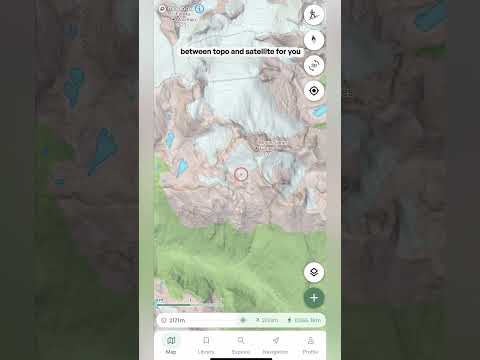
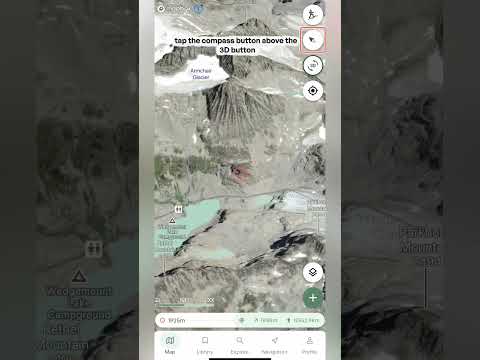
- Adaptive Switches between the topographic map and satellite imagery for you. Tilt from 2D into 3D and it switches from topo to satellite, and in 2D it also switches to satellite once you zoom in far enough. See the short Adaptive video for a full breakdown.
Satellite imagery
- Low resolution satellite Free satellite imagery with reduced detail. This is the satellite option on Basic, and a good way to get a feel for the terrain before you upgrade.
- Maxar High-resolution satellite imagery. Pro.
- Mapbox Balanced clarity and performance. Pro. Try Maxar and Mapbox side by side and see which you prefer for your area.
- Winter Beta Seasonal, snow-focused imagery where available, still in beta. Pro.
- Recent Imagery Imagery from the last 30 days, refreshed daily. Pro.
Contour lines
- Contour lines Turn this on to display contour lines over satellite imagery. Each line joins points at the same elevation, so lines close together mean steep ground and lines far apart mean gentle ground. Best for: reading the shape of the terrain, like ridges and gullies, when you're on a satellite view.